My experiences with Wails and developing a desktop application in 2025
The Journey Starting with QBasic
I made and sold my very first application with QBasic 4.5.
Of course, it wasn’t a great business venture. A customer simply wanted me to take an input on the screen, run it
through a few formulas, and produce an output.
In its simplest form, it was no different from a programmable calculator. It was finished in no time, and I received a
fee that could barely be considered “pocket money.”
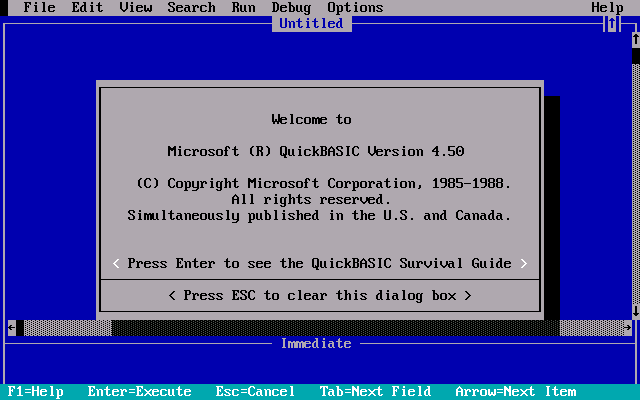
QBasic interface.
From that day on, interfaces prepared with DOS’s limited colors always caught my attention.
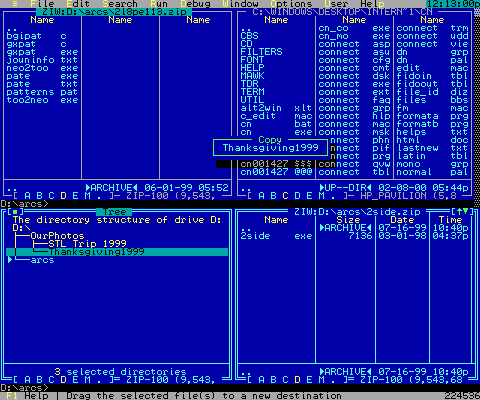
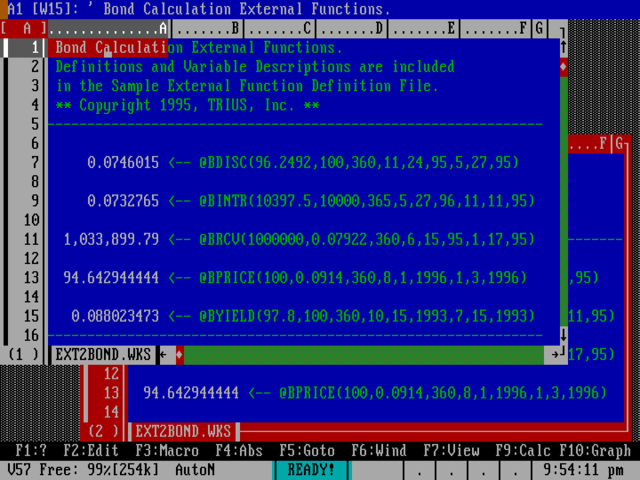
Typical business applications of the DOS era.
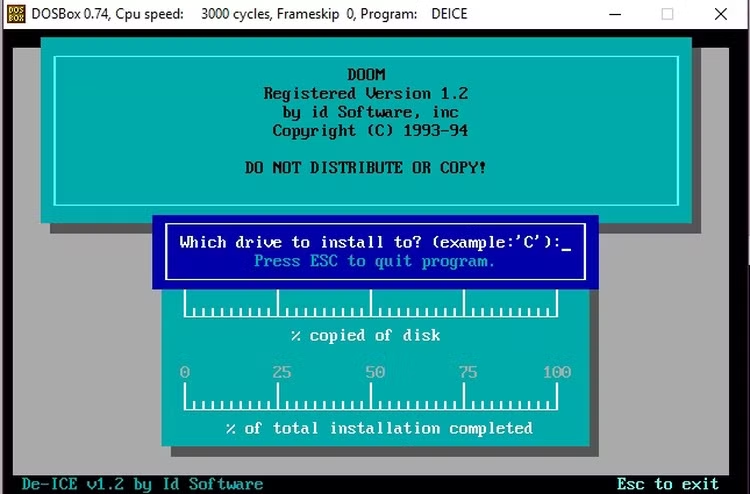
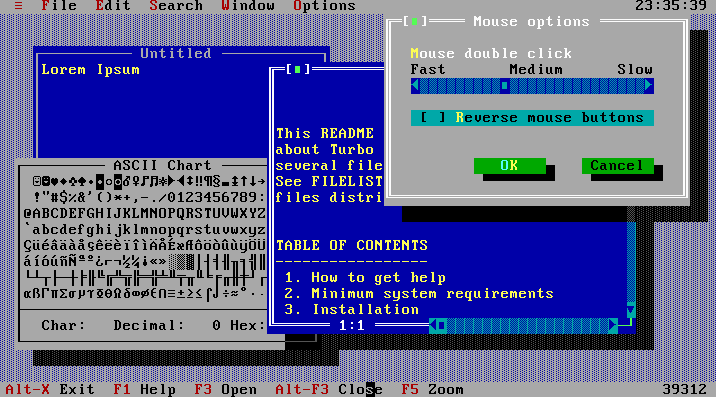
Typical business applications of the DOS era.
Back then, the screens of ticket offices and accounting firms looked to me like amazing UX designs.
80 columns, 25 rows… but functional, fast, and easy to understand for the user.
And I can’t describe how happy I am today to see the revival of developments in the TUI
category.
Windows and My First Desktop Experiences
MS-DOS gave way to Windows. Installed with stacks of floppy disks on simple processors, Windows took the computer world to an entirely new place.
My first desktop application was written with mIRC’s scripting language.
Thinking about it now, it sounds silly, but because the learning curve was so easy, I actually developed a non-IRC app
with mIRC.
In theory, it was a simple class schedule tracking software. I even drew the buttons with Paint.
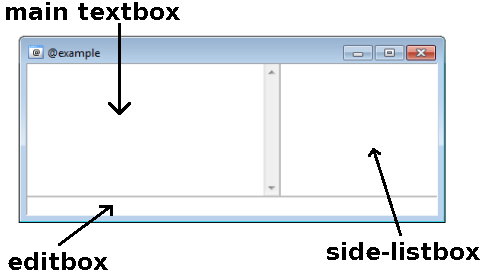
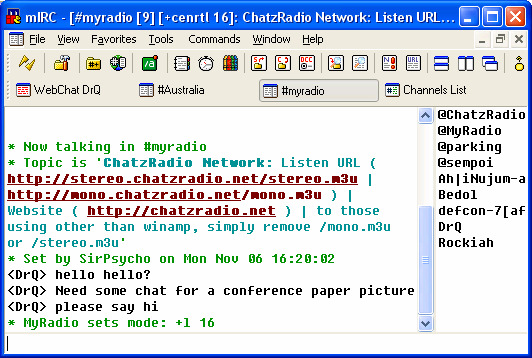
mIRC screenshots.
Visual Basic 6.0: Real Package Programs
Then I met Visual Basic 6.0.
For me, it was a great love. Was it one-sided, or did it love me back? I’m still not sure :)
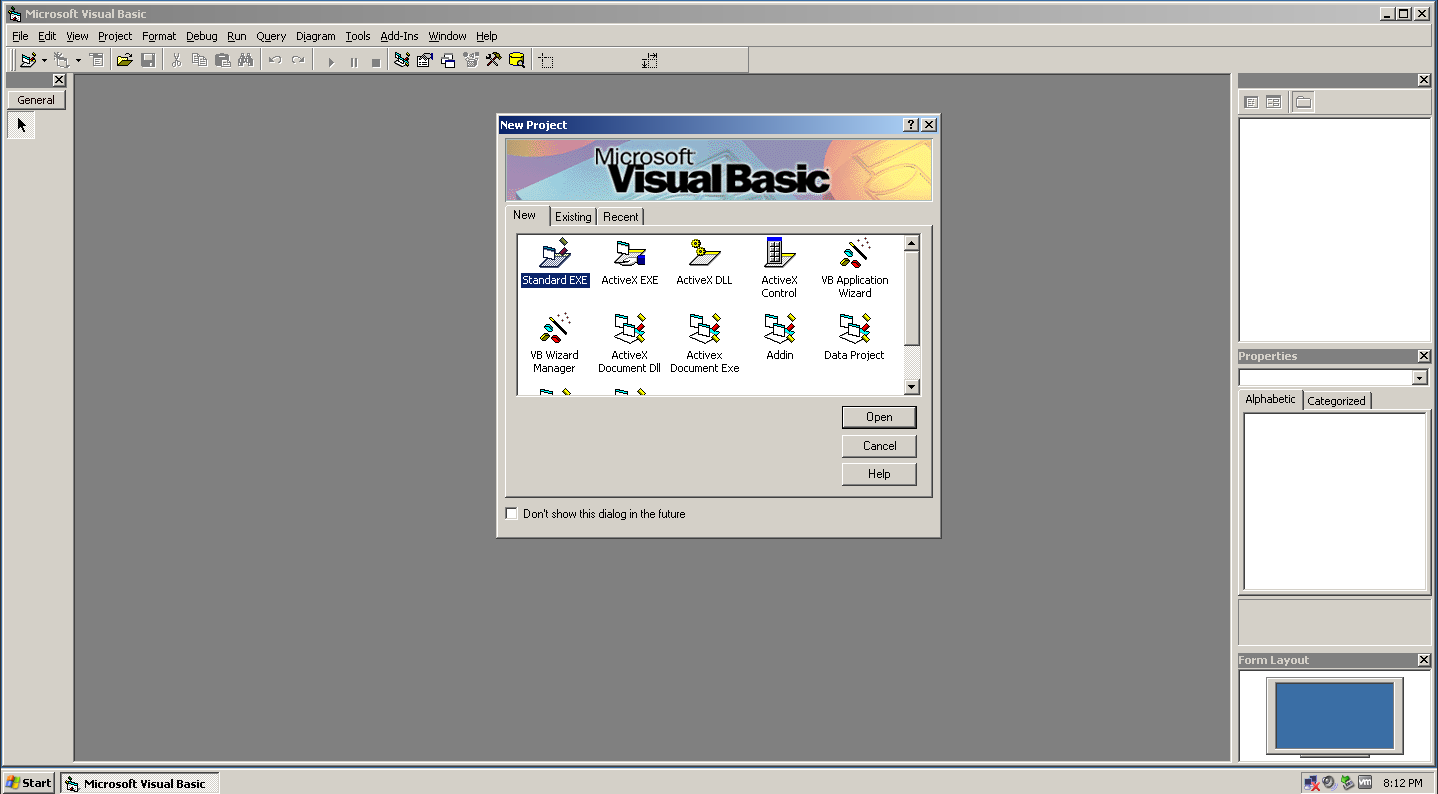
Visual Basic 6.0 IDE.
The first real “package program” I ever wrote was with VB6.
At the time, I couldn’t put it into words, but the object and event-driven logic and the magical IDE environment deeply
impressed me.
For a while, I was like an “OCX miner,” spending my time testing every OCX file in the system directory.
Every new library felt like a new toy.
The Search for Cross-Platform Independence
Over time, devices diversified: Windows, Linux, macOS…
Different systems started running in every home and workplace.
This increased the need for cross-platform applications.
The days of patching things up with simple OCX controls were behind us.
Toolkits came into play.
Then Web 2.0 arrived.
Efforts once spent on desktop applications slowly shifted to the web.
The rest, as they say, is history…
Maybe I skipped some milestones in this timeline. After all, I’m an old man now :) Bear with me.
Electron: Beautiful But Heavy
Today, we still haven’t completely gotten rid of desktop applications, nor have we become fully dependent on them.
Cross-platform development remains a vital need.
And now, mobile apps are part of the equation too.
In recent years, Electron has addressed much of this need.
With JavaScript, Node.js, and TypeScript, I can handle many of my tasks.
The idea of developing a desktop app entirely with JS is very exciting.
But when it comes to practice, things change.
Especially when:
- Direct communication with OS APIs is needed,
- Small and optimized build outputs are targeted,
Electron can become frustrating.
Developing the UI with React or Vue is delightful, but for OS-level interaction, I started looking for easier solutions.
Tauri: Beautiful But Hard
This is when I came across Tauri.
Rust for the backend, any framework I want for the frontend.
And since it doesn’t embed Chrome, the build sizes are tiny.
But the Rust side was tough for me.
Wrestling with config files, struggling with the command structure…
Fun for Rust experts, not so much for me.
I eventually realized the tool meant to make my work easier was actually adding more burden.
Wails: The Solution I Was Looking For
And then came Wails…
My List of Requirements
- Easy to adapt and start developing
- Easy cross-platform builds
- Small file size
- No surprises after compilation
- Built-in garbage collector
- No JS headaches for OS-specific solutions
- Ability to use my preferred frontend framework without extra adapters
Electron vs Tauri vs Wails
| Feature | Electron | Tauri | Wails |
|---|---|---|---|
| Backend Language | Node.js | Rust | Go |
| Frontend Flexibility | React, Vue, Angular, Svelte etc. | React, Vue, Angular etc. | React, Vue, Angular etc. |
| File Size | 150+ MB | 10-20 MB | 10-25 MB |
| Performance | Heavy | Fast but requires Rust | Fast and balanced |
| CORS Issues | Yes | No | No |
| Learning Curve | Low | Steep | Medium (Go is easy) |
| OS API Access | Difficult | Strong but complex | Simple and clean |
| Build Process | Heavy | Moderate | Fast and smooth |
Key Advantages of Wails
- True cross-platform experience: One command for Windows, macOS, and Linux builds.
- Small file size: Around 20 MB builds instead of Electron’s massive 150 MB packages.
- Powerful Go backend: Not as complicated as Rust. Concurrency, file I/O, and API integration are easy.
- Direct OS API access: Instead of CORS headaches, you just write a 5-line function in Go and call it from JS.
- Frontend freedom: React, Vue, Svelte, or Angular… use whatever you like directly.
- Stable build process: The “it worked on my machine but not on Windows” era is over.
A Simple Scenario
Let’s say in an application you:
- Take a CSV file from the user,
- Parse and process it with the Go backend,
- Display it in a table with Vue,
- Simultaneously fetch data from an API without worrying about CORS.
With Electron: a 200 MB package and messy configs.
With Tauri: you need to learn Rust.
With Wails: thanks to Go’s simplicity, less code, less trouble.
Conclusion
From that simple calculator I wrote with QBasic
to the cross-platform applications I build with Wails today…
The journey has been long, but the feeling remains the same: a computer making you achieve things way beyond your size.
And for me right now, that feeling has a name: Wails.